Account bookshelf
Return to uploaded books through your BlueReader account.
BROWSER EPUB READER
Sign in and upload a DRM-free EPUB. BlueReader processes the file on its servers before you open it in a supported browser. No dedicated reader app is required, but uploading the book is.
Most browsers do not display EPUB files on their own. BlueReader uploads and processes the file, then displays its chapters in a browser reader linked to your account.
HOW IT WORKS
Sign in, choose a DRM-free EPUB, and upload it to BlueReader. Server-side processing prepares the book. When processing is complete, open its cover from your account bookshelf.
Uploading is required. After the book is in your account, you can open it from another supported device without uploading the same book again.
BROWSER SUPPORT
BlueReader supports current Chrome, Firefox, and Safari releases on desktop, plus Chrome for Android and Safari on iOS.
See the device-specific guides for Windows and iPhone steps.
ONE ACCOUNT
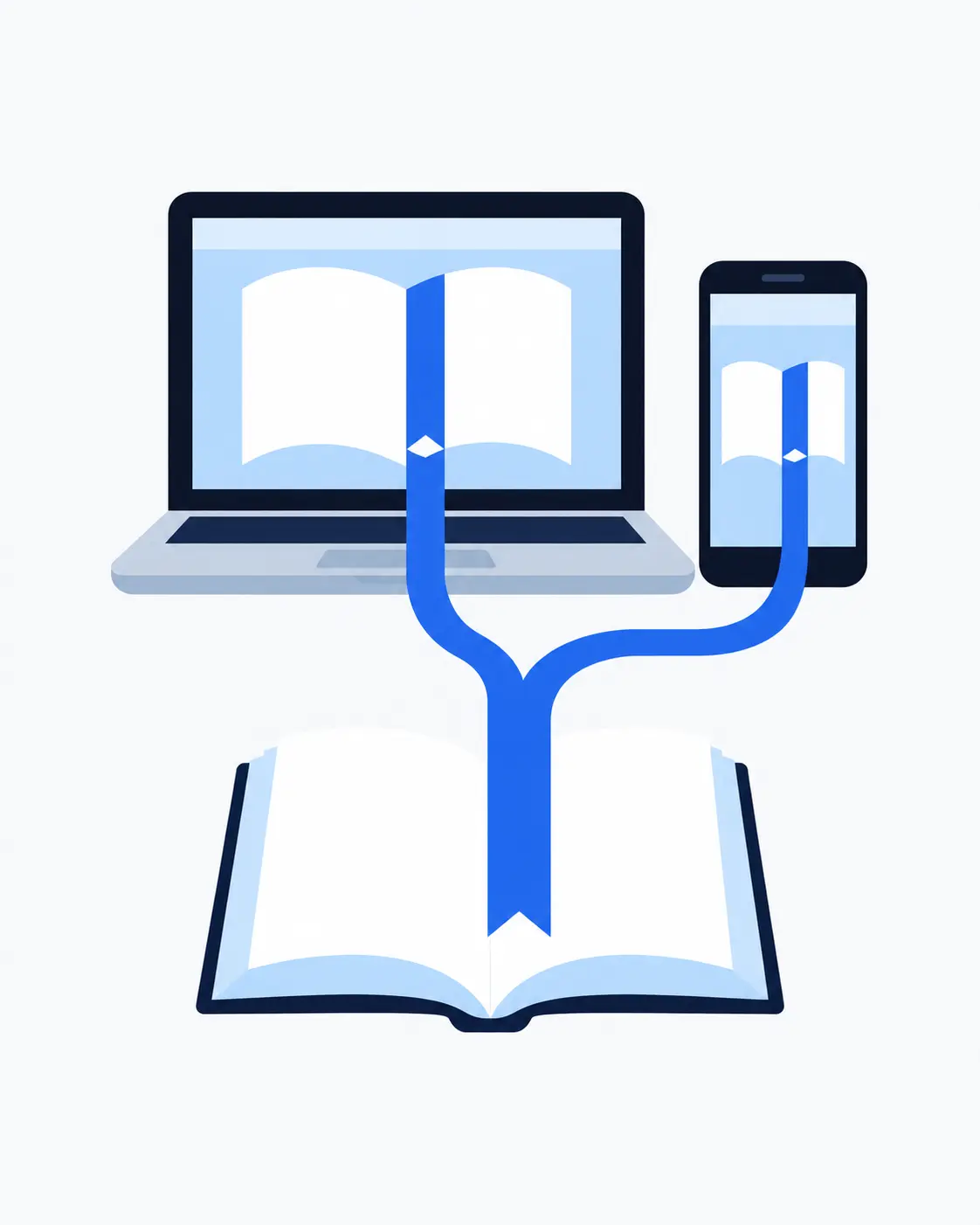
A desktop reader can be useful for managing a local library. BlueReader keeps the uploaded book in your account bookshelf, where you can open it from another supported browser and continue from its saved reading position.
READING DISPLAY
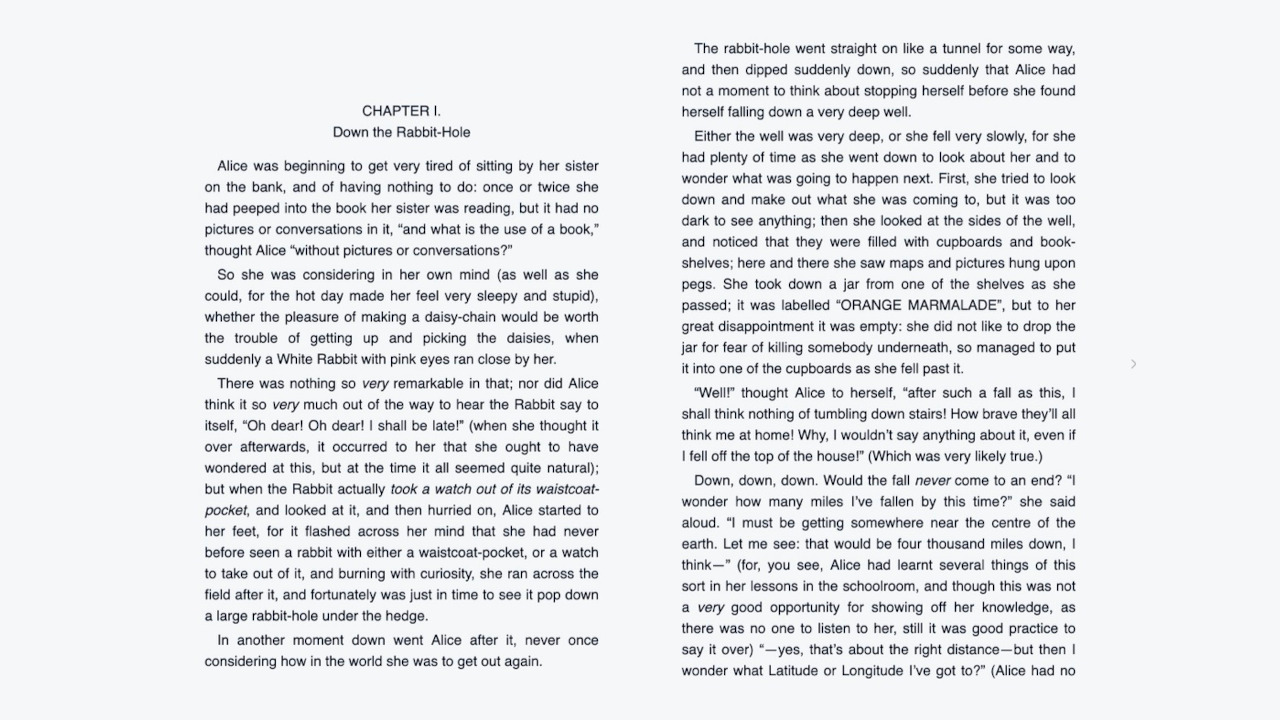
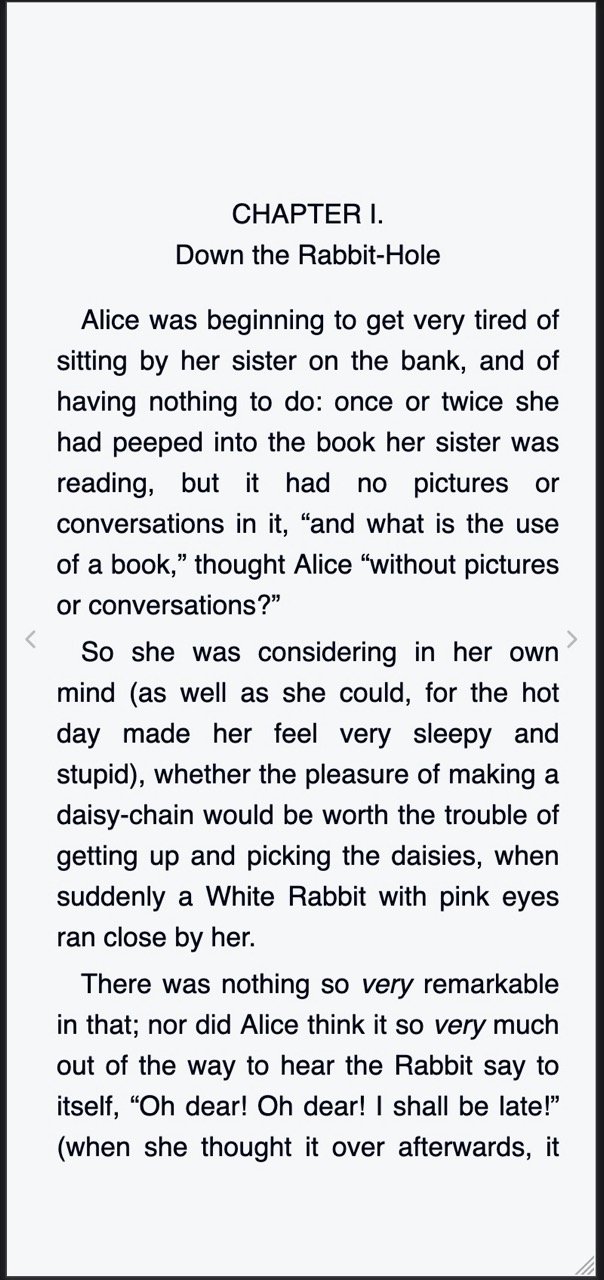
The reader follows the layout encoded in the EPUB. You can adjust supported display options such as text size and font.
FEATURES
Return to uploaded books through your BlueReader account.
Open the same book from another supported device and continue from its saved location.
Use a supported browser without installing a dedicated reader app.
HOW IT WORKS
Open BlueReader in a current supported browser and sign in.
Add the file to your account and wait for server-side processing to finish.
Select its cover on your bookshelf to start reading.
The bookshelf and reader have layouts for desktop windows and phone-sized screens.
FAQ
Sign in, upload a DRM-free EPUB, and open it from your account bookshelf after server-side processing.
Sign in to add an EPUB