No dedicated reader app
Use a supported browser, but sign in and upload the EPUB before reading.
EPUB READER FOR WINDOWS
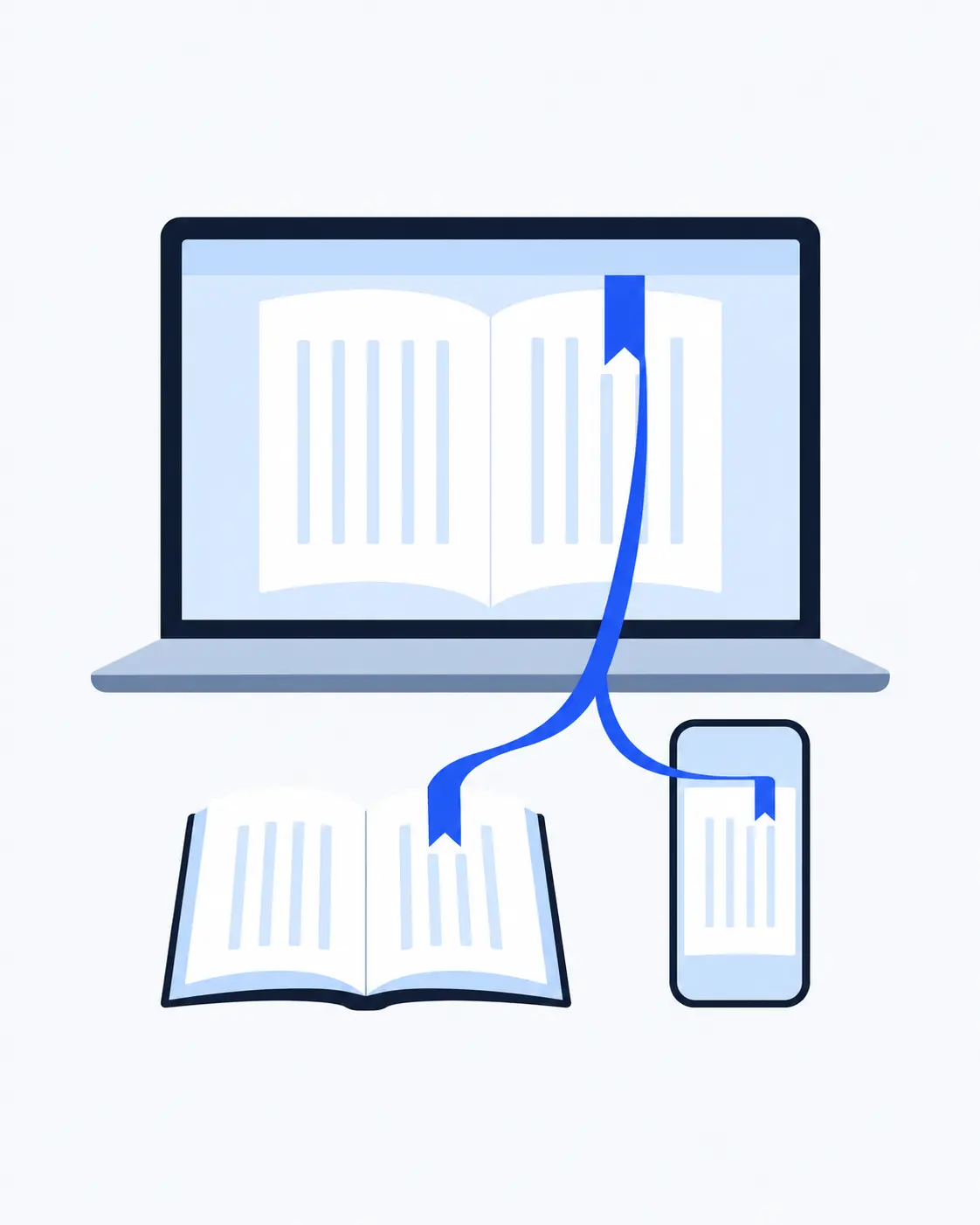
Sign in and upload a DRM-free EPUB. After server-side processing, open it in a supported Windows browser. To continue on your phone, sign in to the same account and open the same book.
You can use a desktop library application, a browser extension, or an online EPUB reader. The best option depends on whether you prioritize local library tools or the ability to continue across devices.
BROWSER READING
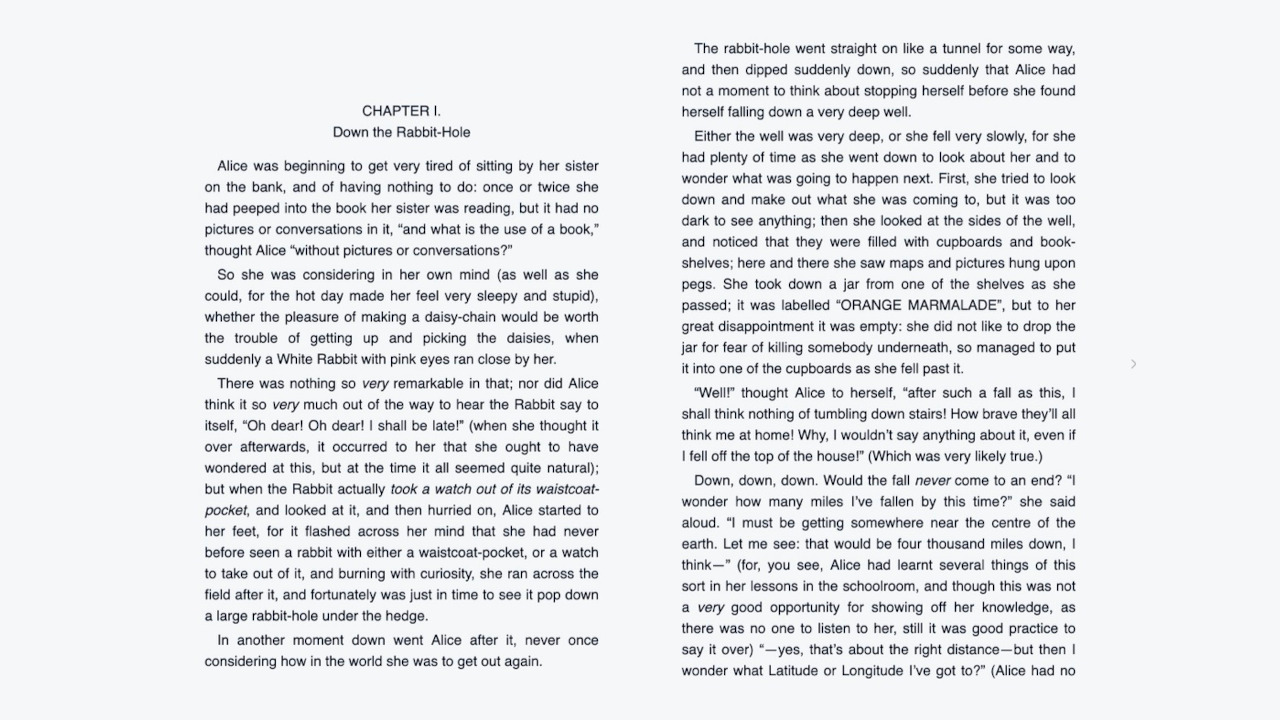
Sign in to BlueReader, upload a DRM-free EPUB from your PC, and wait for server-side processing. The book then appears in your account bookshelf and opens in the browser reader.
A dedicated Windows reader app is not required, but the account upload is.
BROWSER VS DESKTOP
Calibre provides detailed local library management and file conversion. BlueReader does not replace those tools. It provides browser reading, an account bookshelf, and a saved reading position you can use from another supported device.
WINDOWS TO MOBILE
On iPhone or Android, sign in to the same BlueReader account and open the same book to continue from its saved reading position.
KEYBOARD CONTROLS
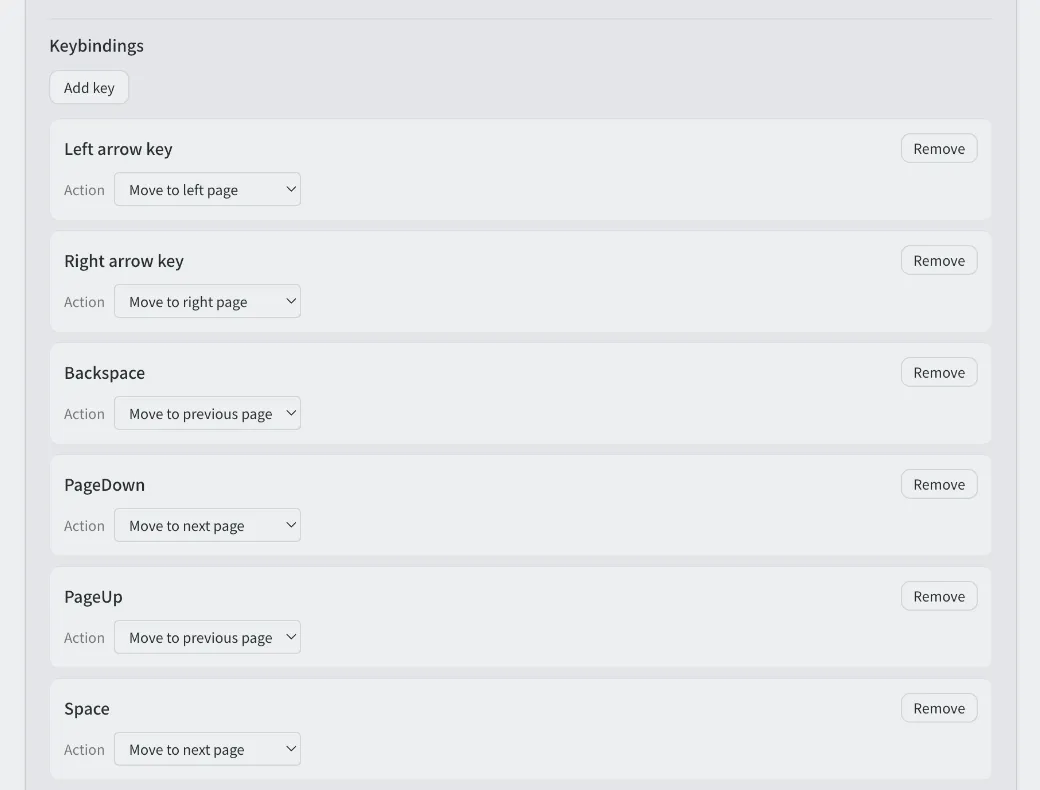
BlueReader lets you configure keybindings in Controls settings. The screenshot shows an example of the available options; its selected values are not universal defaults.
FEATURES
Use a supported browser, but sign in and upload the EPUB before reading.
Open the same book from another supported device and continue from its saved position.
Open the uploaded book on iPhone or Android after signing in to the same account.
HOW IT WORKS
Use current Chrome or Firefox and sign in to your account.
Choose the file from your PC and wait for server-side processing.
Select its cover on your bookshelf to start reading.
Sign in to the same account from another supported device to open the book and its saved reading position.

FAQ
Sign in, upload a DRM-free EPUB, and wait for processing before reading. Open the same book on another supported device from the same account.
Sign in to add an EPUB