Browser access
Read in current Safari without installing a dedicated reader app.
EPUB READER FOR IPHONE
For a new book, upload a DRM-free EPUB in Safari. If the book is already in your account bookshelf, sign in and open it without uploading again.
SAFARI
For a new book, sign in through Safari and upload a DRM-free EPUB. BlueReader processes it on the server before it appears in your bookshelf.
If the book is already in your BlueReader account bookshelf, sign in and open it there instead of uploading the file again.
APPLE BOOKS COMPARISON
Apple Books is built into Apple devices. BlueReader runs in a browser, so you can continue the same book on Windows or Android.
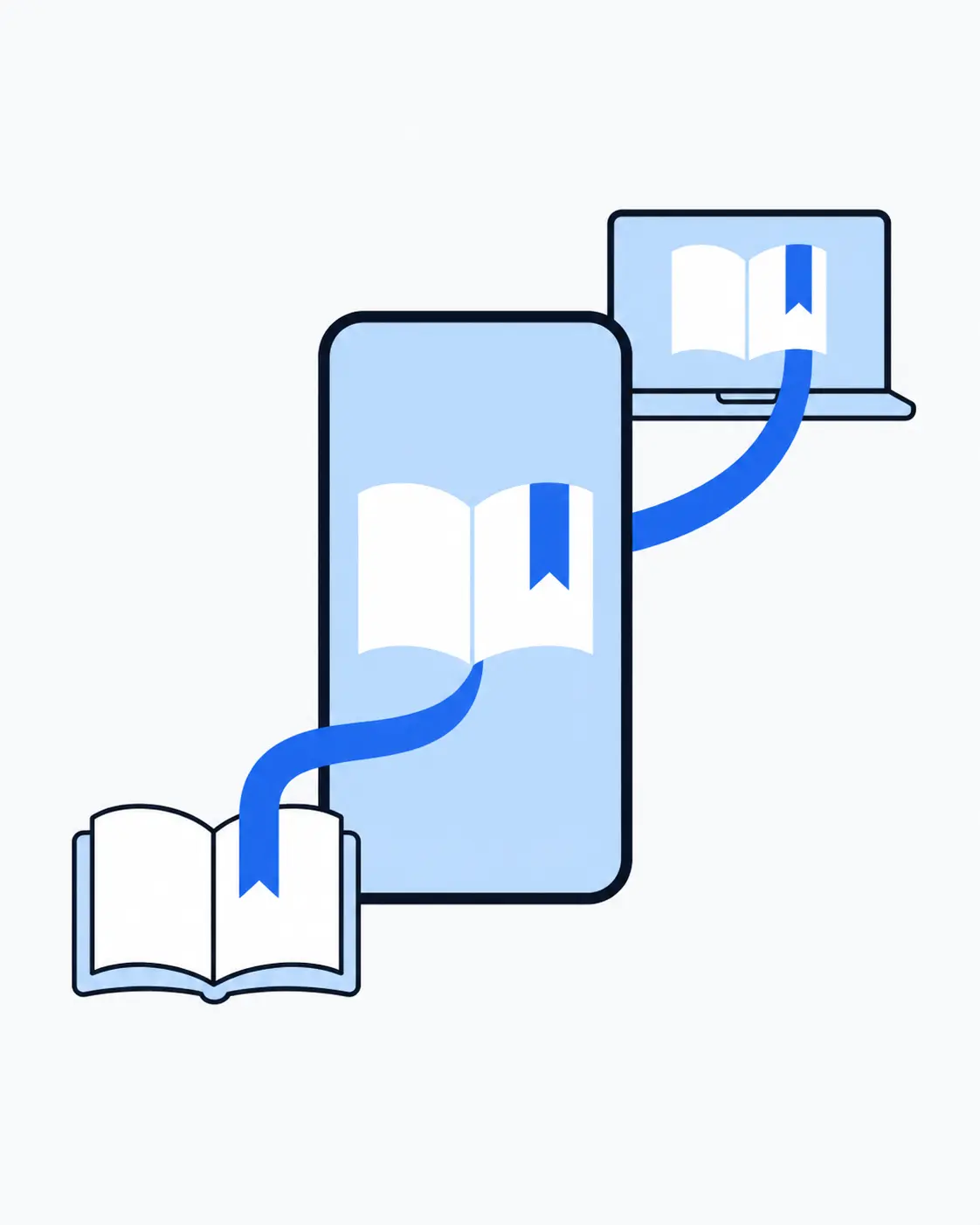
IPHONE TO COMPUTER
Sign in to the same BlueReader account on another supported device and open the same book from your bookshelf to continue from its saved position.
READING DISPLAY
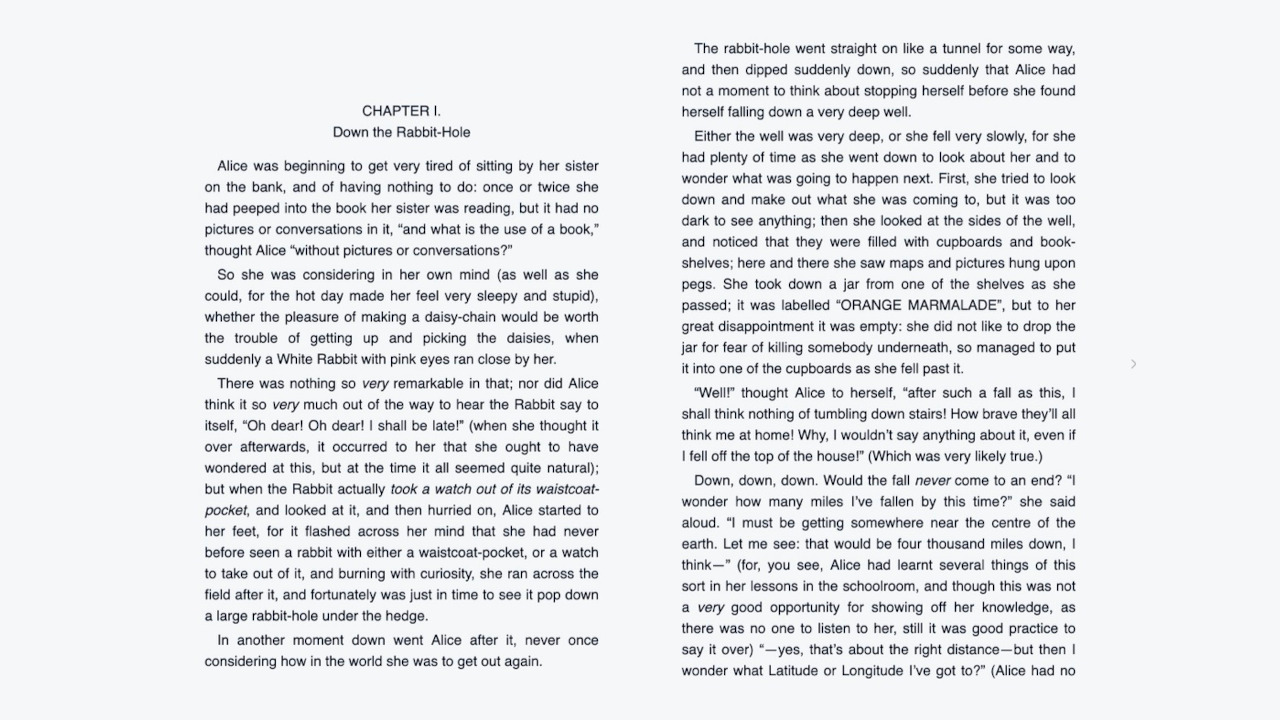
The reader follows the layout encoded in the EPUB. See the settings guide for supported display adjustments.
FEATURES
Read in current Safari without installing a dedicated reader app.
Open a book already added to your BlueReader account.
Open the same book from another supported device and continue from its saved position.
HOW IT WORKS
Visit BlueReader in Safari and sign in to your account.
Select a book already in your bookshelf, or upload a new DRM-free EPUB and wait for processing.
Select its cover from your bookshelf to start reading.
Sign in to the same account on another supported device to open the book and its saved reading position.

FAQ
Sign in through Safari to open a book already in your account, or add a new DRM-free EPUB and wait for processing.
Sign in and open your bookshelf