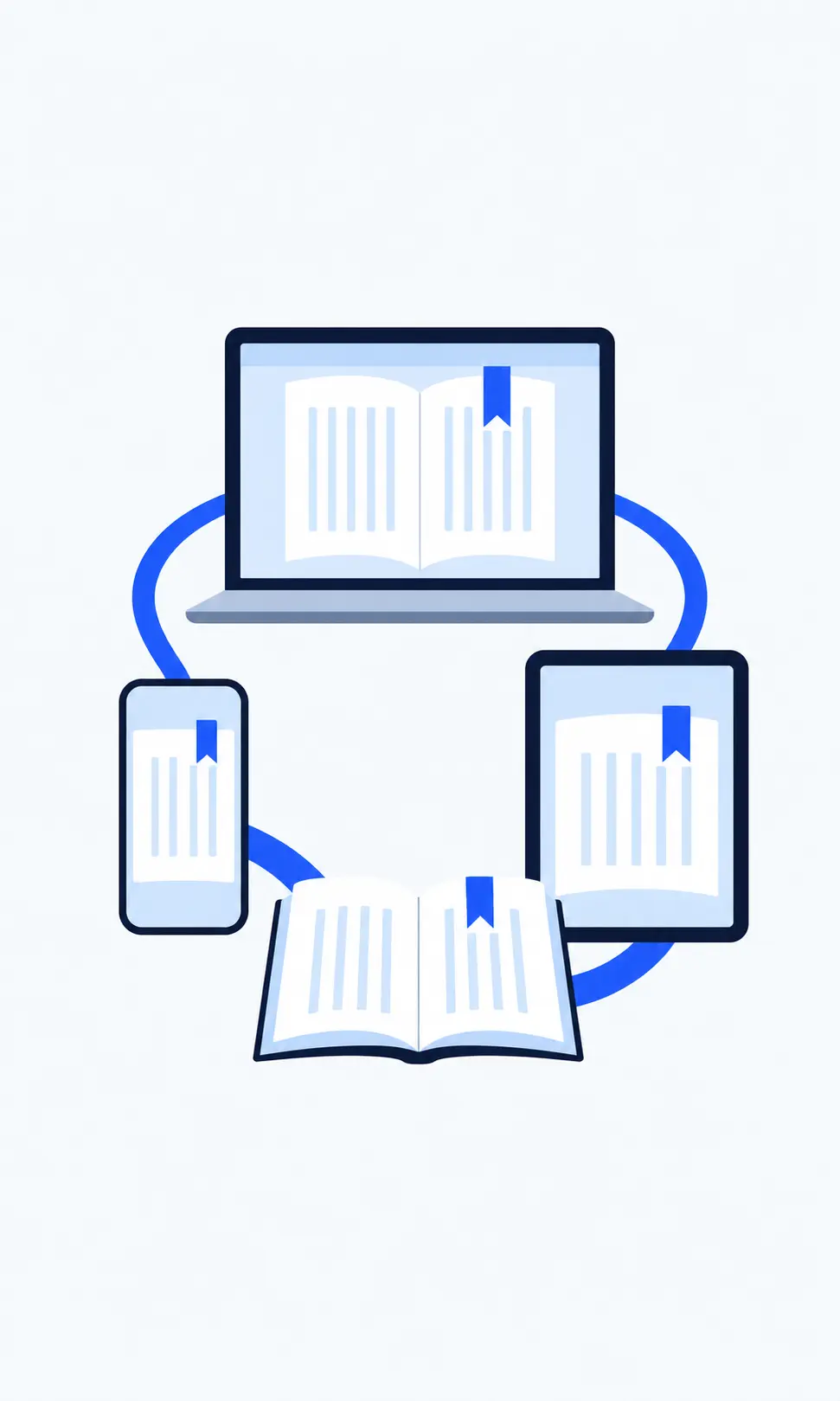
Saved reading position
Open the same book from another supported device and continue from its saved location.
CROSS-DEVICE EPUB READER
Read on your phone.
Open the same bookshelf on your laptop.
Continue from your saved position.
Sign in to the same BlueReader account on a supported device to open the same book and use its saved reading position.
Read on a phone or computer, then sign in to the same account on another supported device. Open the same book from your bookshelf to continue from its saved position.
POSITION SYNC
BlueReader stores a reading position with the book in your account. On another supported device, sign in to the same account and open the same book to continue from its saved position.
READING DISPLAY
Choose default reading settings, then use per-book settings when you want to override them for a particular title.
These settings control the reading display; this page covers access to the same bookshelf and saved reading position across devices.
CLOUD-BASED READING
BlueReader uploads and processes the EPUB on its servers before it appears in your account bookshelf. Uploading is required to read the book in BlueReader.
Once a processed book is in your account, sign in elsewhere and open it from the same bookshelf. You do not need to upload the same book again on that device.
AVAILABILITY
Service availability may vary by region. Review the Terms of Use for current eligibility and restrictions.
FEATURES
Open the same book from another supported device and continue from its saved location.
Access uploaded books after signing in to the same BlueReader account.
Read the same EPUB in a supported browser on another device.
HOW IT WORKS
Upload the file and wait for server-side processing to complete.
BlueReader saves a reading position for the book in your account.
Sign in to the same account on another supported device and open the book from your bookshelf.
Sign in to the same account to open the same bookshelf and the reading position saved for that book.

FAQ
Sign in to the same account and open the book from your bookshelf. Uploading the EPUB is required before reading.
Sign in and continue reading