Fonts and text size
Adjust Latin and Japanese books separately.
READING SETTINGS
Set your preferred fonts, font sizes, margins, line height, and theme once, and new books will start with settings that are comfortable for you.
Default reading settings are the baseline values BlueReader uses across your library. When a book has its own setting for an item, the per-book setting takes priority.
OPEN SETTINGS
Open Settings from the top navigation, then select Default reading settings from the menu on the left. A note at the top of the page explains that when a book has its own setting for an item, the per-book setting takes priority.
FONTS
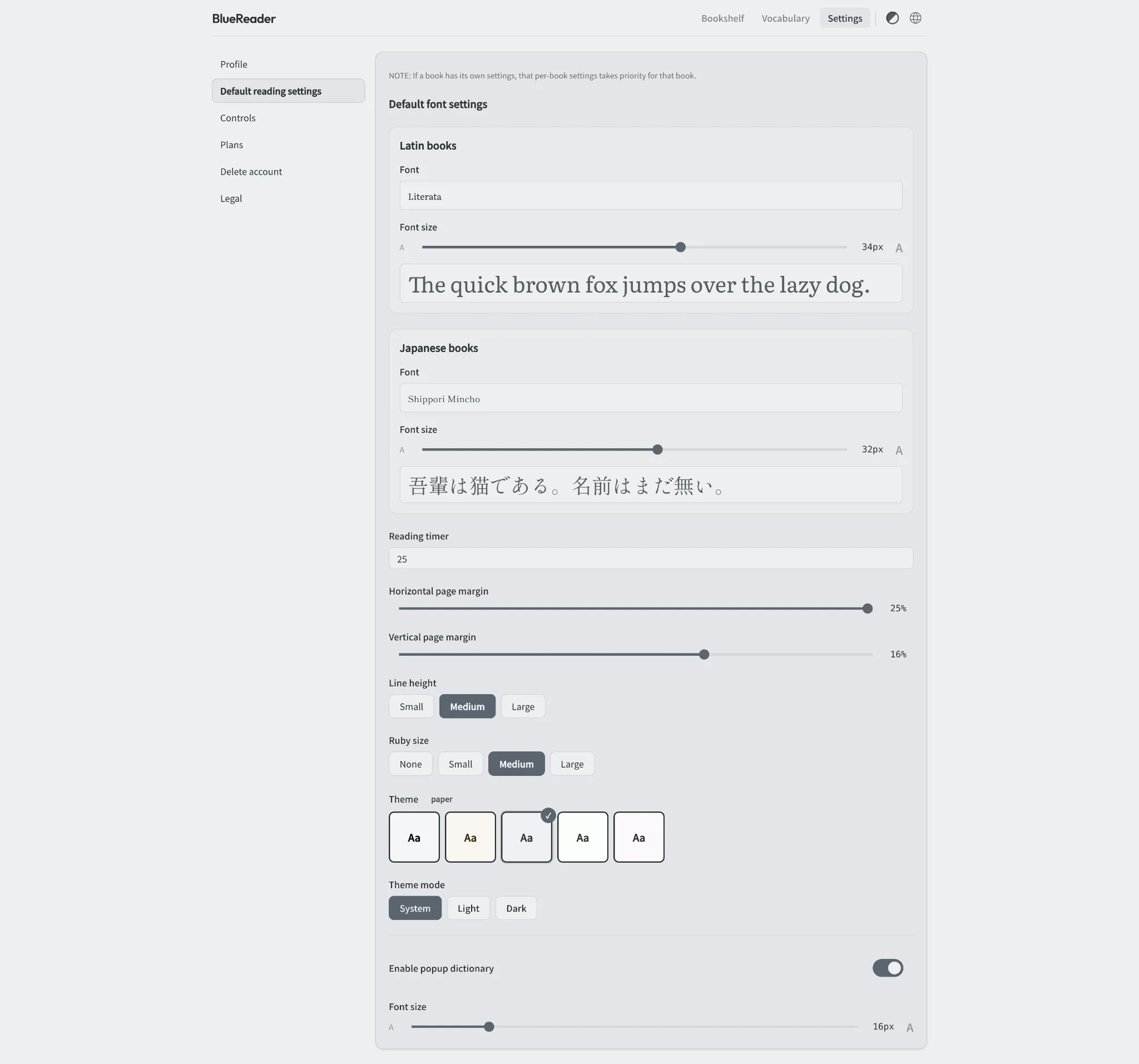
Under Default font settings, BlueReader lets you configure Latin books and Japanese books separately.
Choose the default font for books that primarily use Latin characters and adjust the size with the slider. Japanese books have their own font and size controls, so you can use a different typeface or size for Japanese text without changing your Latin-book settings.
TIMER & MARGINS
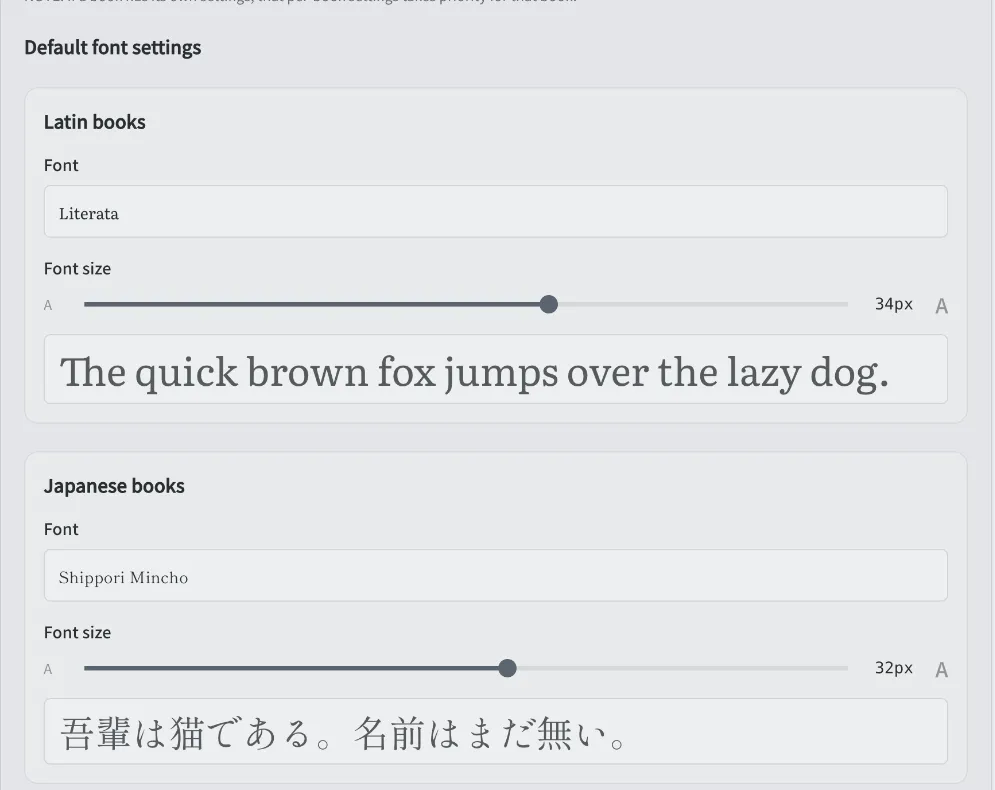
Below the font settings, you can adjust the value used by the reading timer and the space around the page content. A larger margin makes the text column narrower, while a smaller margin gives the text more space.
LINE HEIGHT & RUBY
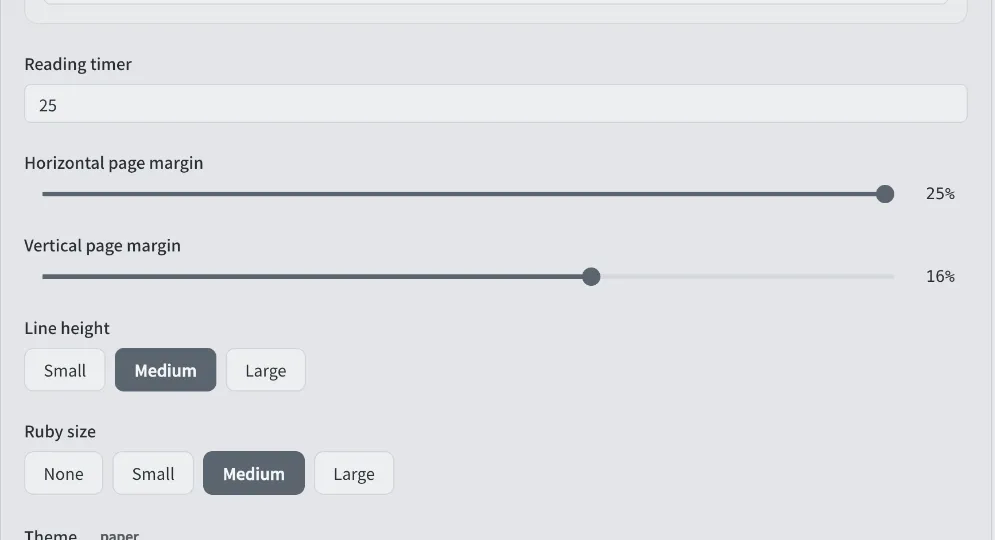
Line height can be set to Small, Medium, or Large. Increase it when text feels too dense, or reduce it when you prefer to fit more text on the screen.
Ruby size can be set to None, Small, Medium, or Large. Choose None when you do not want ruby text displayed, or select a size that is comfortable to read.
THEME
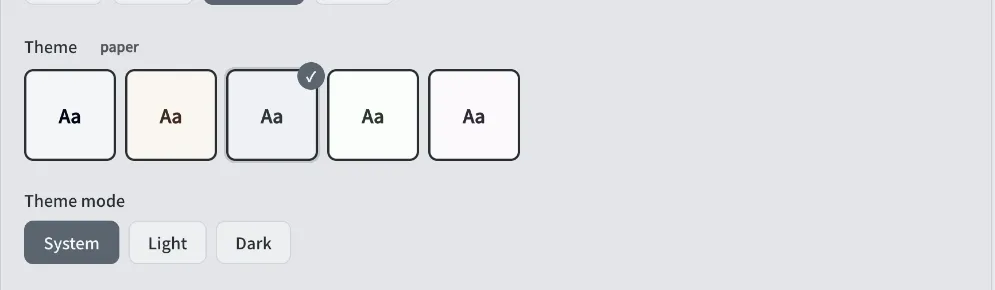
Use Theme and Theme mode to change the appearance of the reading page. Theme mode has three options: System follows your device's appearance setting, Light always uses the light appearance, and Dark always uses the dark appearance.
DICTIONARY
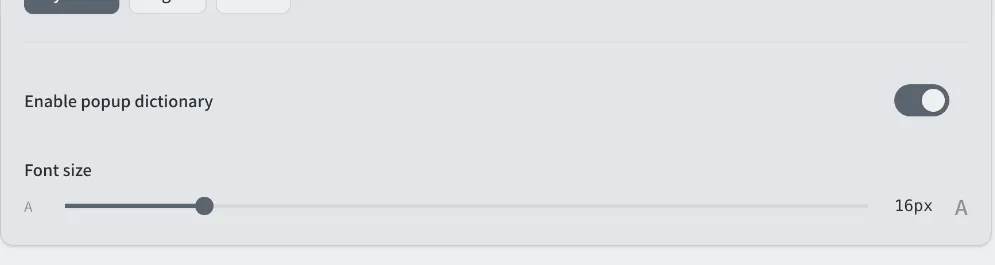
At the bottom of the page, you can enable or disable the popup dictionary and adjust its text size. Turn on Enable popup dictionary when you want to use the dictionary while reading, and use the Font size slider to change the size of the text shown in the popup.
SUMMARY
A practical approach is to set your everyday preferences here, then use per-book settings only for books that need something different.
FEATURES
Adjust Latin and Japanese books separately.
Fit the text column to your screen and reading style.
Choose System, Light, or Dark for the reading page.
Enable the dictionary and set its text size.
HOW IT WORKS
Select Default reading settings from the settings menu.
Set fonts, margins, line height, theme, and more.
Open a book and confirm the new appearance.
Default reading settings apply to every book you open next.
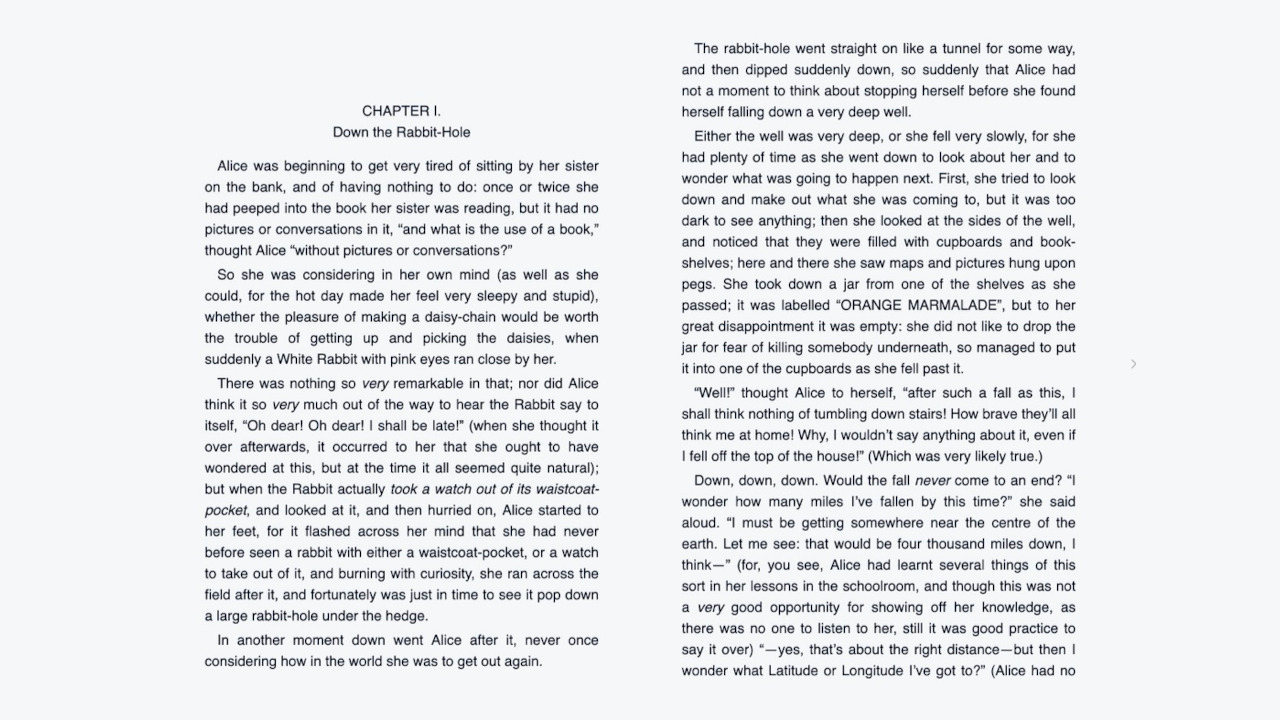

With defaults set, every new book starts in a comfortable state.
Start for free