Overrides the defaults
Only the items you set are overridden for that book.
PER-BOOK SETTINGS
You can change reading settings for a single book without changing the defaults used by the rest of your library.
The default reading settings page notes that when a book has its own setting for an item, the per-book setting takes priority. The usual split is to keep your everyday preferences in the default reading settings and change only specific books with per-book settings.
PRIORITY
When a book has its own setting for an item, that per-book setting overrides the default. You can make one book easier to read without changing your global settings.
OPEN A BOOK
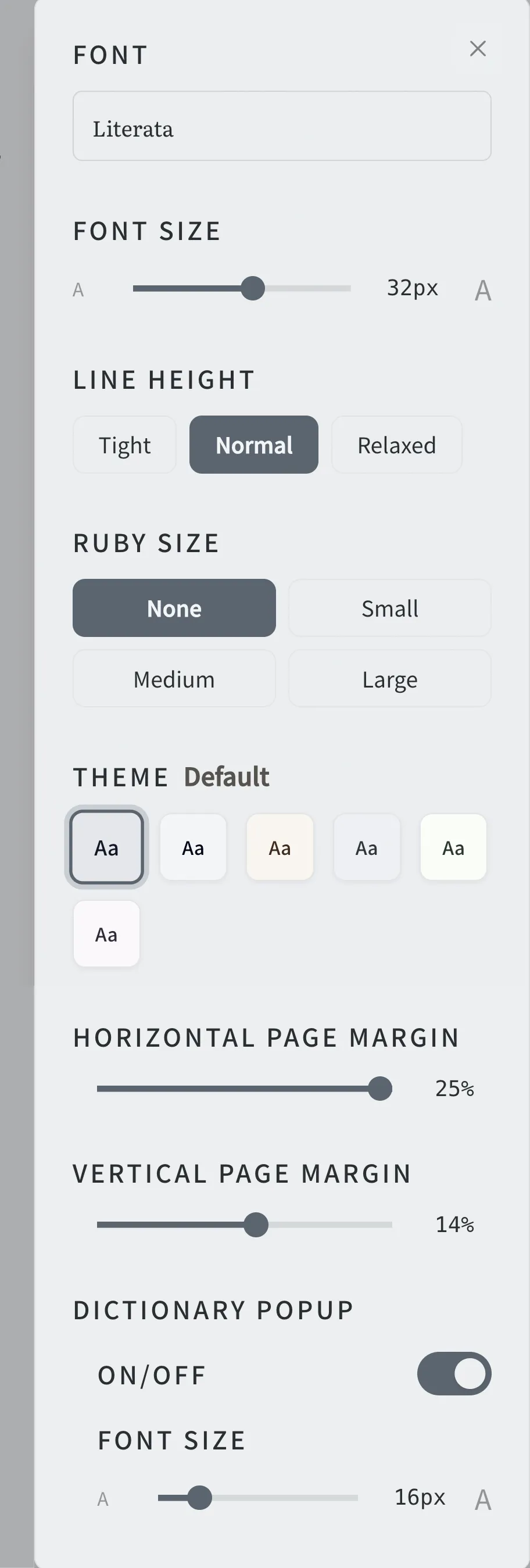
First, open the book you want to adjust from your BlueReader bookshelf. Once the book is open, use the reader's reading settings to adjust the settings that apply to that book.
USE CASES
When one book needs a different layout from the rest of your library, change only that book so your other books keep their current settings.
WHICH SETTING
If you want to change the baseline for books you will read going forward, change the default reading settings instead. Keeping everyday preferences in the defaults and only overriding specific books per book avoids repeating the same adjustments each time you open a title.
FEATURES
Only the items you set are overridden for that book.
Other books keep their current settings.
Keep everyday preferences in the default reading settings.
HOW IT WORKS
Open the book you want to adjust from your bookshelf.
Use the reading settings in the reader to adjust the items.
The changes apply only to that book.
Adjust books with large text, books with lots of ruby, and so on, one at a time.
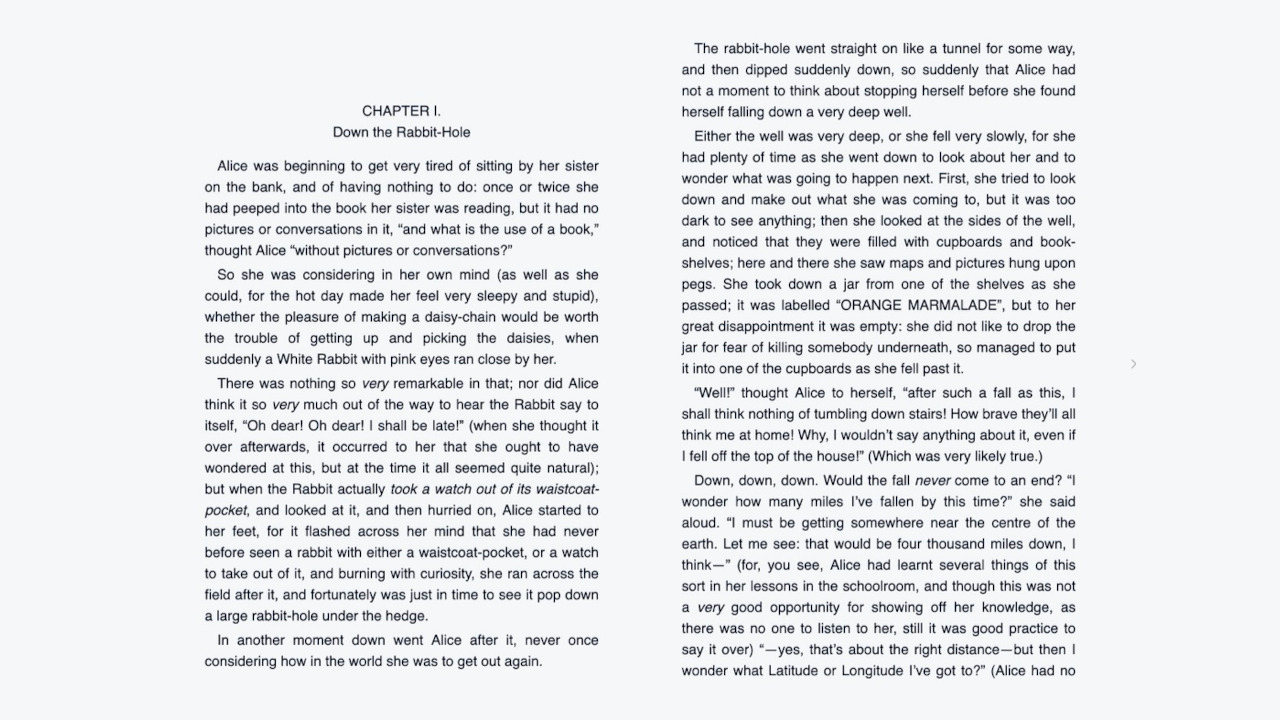

Keep the defaults as your baseline and override only the books that need it.
Start for free